If you’re asking why your website is not ranking on Google, and you’ve already paid to build a site, this guide will show you exactly how to fix your SEO.
You invested time and money into a beautifully designed site, yet it feels like you’re shouting into the void—no traffic, no leads, no sales. A website without visitors is like a store in the woods: perfect interiors, but nobody to walk through the door.
In this guide, you’ll learn exactly how to diagnose why Google isn’t showing your pages, the common reasons your site isn’t ranking on Google, and step-by-step fixes to start driving organic traffic within 3–6 months.
Common Reasons Your Site Isn’t Ranking on Google
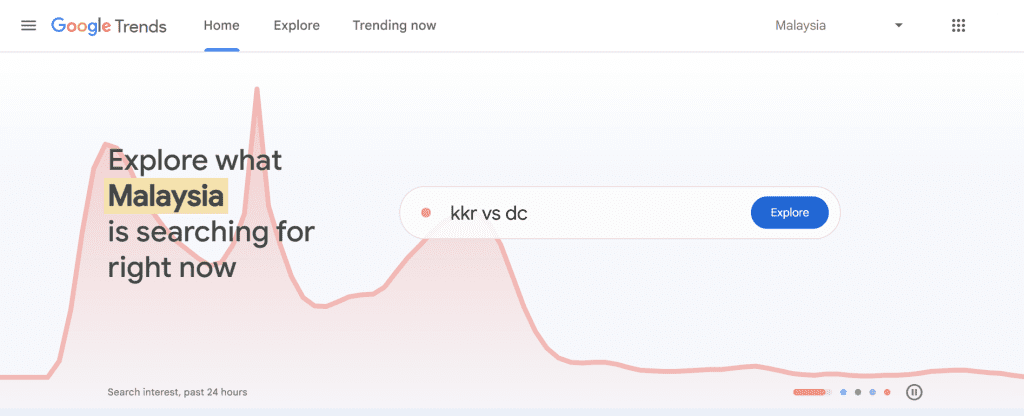
- Targeting the Wrong Keywords
- No search volume: You might be optimizing for terms that nobody actually types into Google.
- Too much competition: Going after “food" is like swimming with sharks—big brands dominate.
- Fix: Use long-tail or location-based phrases (e.g., “Best Burger in Ampang”) that match real user queries.
- No search volume: You might be optimizing for terms that nobody actually types into Google.
- Poor Website Structure
- Crawlability issues: Googlebot can’t find or index your pages if your navigation is confusing.
- Missing meta tags: Without unique title tags and meta descriptions, you lose click-throughs.
- Slow load speed: Every extra second of load time costs you rankings and users.
- Fix: Audit your site with Google Search Console, fix crawl errors, optimize images, and streamline your menu.
- Crawlability issues: Googlebot can’t find or index your pages if your navigation is confusing.
- Content Doesn’t Match Search Intent
- Keyword stuffing: Jamming keywords everywhere makes content unreadable and unhelpful.
- Shallow content: Thin pages can’t satisfy a user’s question, so Google won’t reward them.
- Keyword stuffing: Jamming keywords everywhere makes content unreadable and unhelpful.
Fix: Create in-depth, user-focused articles that solve problems. Use headings (H2, H3) to structure answers clearly.
How to Diagnose Why Google Isn’t Showing Your Pages
- Use Google Search Console
- Check the Coverage report for crawl or indexing errors.
- Review the Performance report to see which queries drive clicks and impressions.
- Check the Coverage report for crawl or indexing errors.
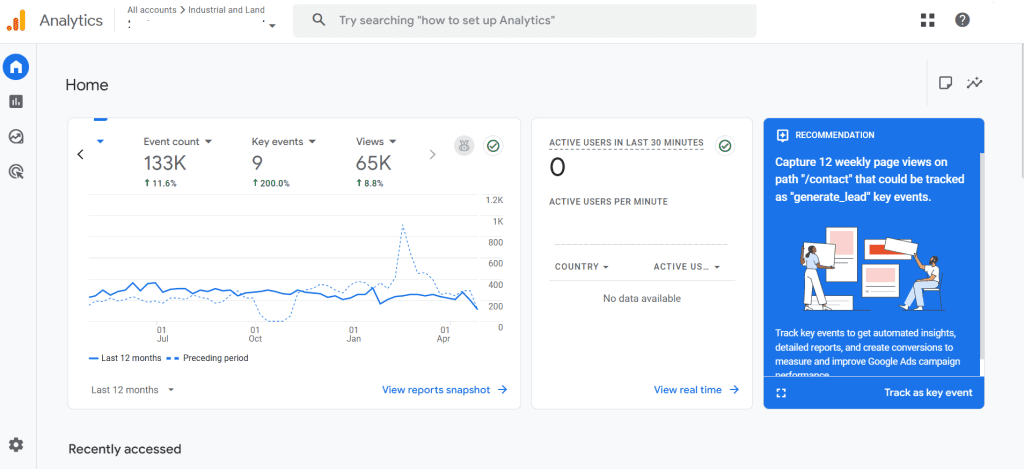
- Analyze with Google Analytics
- Look for pages with high bounce rates or no sessions at all.
- Identify underperforming content by comparing pageviews month over month.
- Look for pages with high bounce rates or no sessions at all.
- Run a Technical SEO Audit
- Tools like Semrush or Ahrefs can highlight broken links, duplicate titles, and missing alt-text.
- Test your site speed with PageSpeed Insights and implement recommended optimizations.
- Tools like Semrush or Ahrefs can highlight broken links, duplicate titles, and missing alt-text.
- Perform a Content Gap Analysis
- Search your focus keyword, “Best Burger in Ampang,” and see what top results cover.
- Identify subtopics or questions they answer that your content doesn’t.
- Search your focus keyword, “Best Burger in Ampang,” and see what top results cover.
How to Fix SEO Issues and Improve Your Rankings
- Keyword Strategy
- Build a list of 10–15 long-tail keywords around your main focus.
- Map each keyword to a dedicated page or blog post.
- Build a list of 10–15 long-tail keywords around your main focus.
- On-Page & Technical SEO
- Optimize titles & meta descriptions with primary and secondary keywords.
- Ensure each page has a clear H1, descriptive URL slug and logical internal links.
- Compress images, leverage browser caching, and minimize JavaScript/CSS to boost speed.
- Optimize titles & meta descriptions with primary and secondary keywords.
- Content Enhancement
- Update existing posts with fresh data, visuals, and answers to new user questions.
- Add an FAQ section to target “People Also Ask” queries.
- Write 1,200+-word cornerstone articles covering your core topics in depth.
- Update existing posts with fresh data, visuals, and answers to new user questions.
- Off-Page SEO & Backlinks
- Reach out to industry blogs for guest posts or resource links.
- Create shareable assets (charts, infographics) that attract natural backlinks.
- Monitor your backlink profile with Ahrefs or Moz and disavow toxic links.
- Reach out to industry blogs for guest posts or resource links.
- Ongoing Monitoring & Iteration
- Set up monthly checks in Search Console and Analytics.
- Track keyword rankings in a tool like SEMrush.
- Continuously refine underperforming pages based on user behavior data.
Ready to Turn Your Website into a Traffic Magnet?
If you’ve built a site and still wonder why is my website not ranking on Google, it’s time for a deep dive. Get a FREE SEO Diagnosis Report today—no obligations, just clarity on what’s holding you back and an actionable roadmap to fix SEO issues and boost your visibility.
To know more about what we provide for SEO service, please visit to our SEO PAGE